On this page
Check almost any IPTV plan and you will see a line about connections: one connection, two connections, three, and so on. It is one of the most searched and most misunderstood terms in the whole subject, because it sounds like it refers to your internet line. It does not. This article gives a short, clear answer to what an IPTV connection means, then works through the situations where the number actually matters.
We keep this guide focused on the meaning and the counting rules. If you want to plan viewing across several rooms, with bandwidth sums and placement advice, our companion piece on IPTV connections and multi-room viewing goes into that in depth.
The Plain Definition
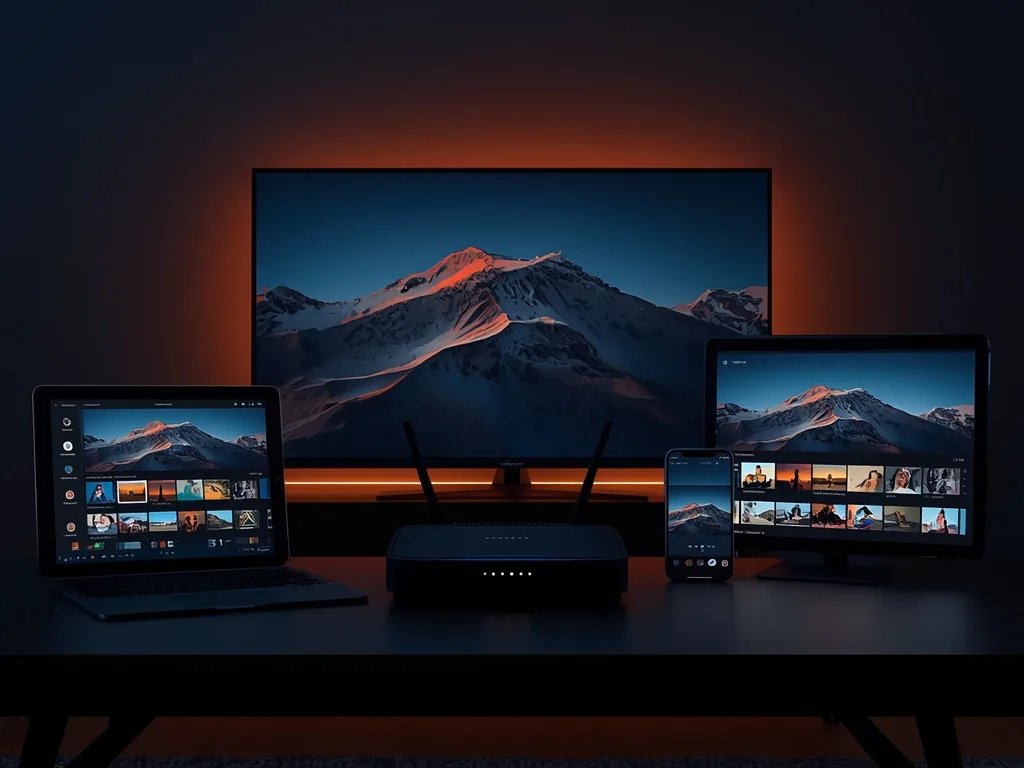
When you sign in to an IPTV service, your account is allowed a certain number of streams to run at once. Each time a screen starts playing a channel or a film, it takes up one of those slots. When the screen stops, the slot is free again. That slot is the connection.
The word is borrowed from the service side. The provider's server opens a connection to each device that is receiving a stream, and the plan caps how many of those can be open under your login simultaneously. You can find the term next to others in our IPTV glossary, where it sits alongside bandwidth and bitrate.
- A connection is counted while a stream is actively playing, not while an app is merely installed.
- Each screen counts separately, even if two screens show the same channel.
- Phones, tablets, computers and TVs all count the same way.
- The limit is set by your plan, so check it before you subscribe rather than after.
Connections, Devices and Internet Speed: Three Different Things
Most confusion comes from mixing up three ideas that all involve the word connection or the idea of a device. Separating them removes most of the mystery.
| Idea | What it means | Who sets the limit |
|---|---|---|
| IPTV connection | One stream playing under your account right now | Your plan |
| Installed device | A device where you have signed in or installed an app | Often no practical limit, but check the terms |
| Internet connection | Your home line to the wider internet | Your internet provider and router |
| Wi-Fi connection | A device joined to your wireless network | Your router and signal quality |
Swipe to see more →
So a household might have an app on five devices, a plan with two connections, and a fast fibre line. Only two screens can play at once, but all five are installed, and the line has plenty of speed to spare. If a third screen starts, the plan is the bottleneck, not the line.
How Simultaneous Streams Are Counted
The counting rules are simple, but a few edge cases catch people out. Knowing them helps you avoid blaming the wrong thing when a stream stops.
Switching channels
Changing the channel on one screen normally ends the old stream and starts a new one, so it still counts as one connection. A brief overlap while the app switches can sometimes keep the slot occupied for a few seconds.
Paused or idle screens
A screen paused on a live channel may still hold its stream open, depending on the app. A television left on a channel overnight can keep a connection busy long after everyone has gone to bed, which is a common cause of mysterious blocked streams the next morning.
Background apps
Some mobile and tablet apps keep playing audio or stay connected after you leave the screen. If a phone in a pocket is still holding a stream, a TV may fail to start. Closing the app fully, rather than just switching away, frees the slot.
Recordings and catch-up
Whether recording, catch-up or on-demand playback counts the same way depends on the service and the app. If you rely on these features, ask before you buy, and test them during your trial.
What Happens When You Go Over the Limit
Behaviour varies, so there is no single answer. In many cases the extra screen simply refuses to start the stream, or shows an error. In others, the new stream may take the slot and interrupt one that was already running. Neither is a fault in your equipment; both are the plan doing what it was set up to do.
- Check whether another screen in the house is still playing, including a paused one.
- Close the app, rather than only the stream, on any phone or tablet you are not using.
- Wait a minute and try again, since slots can take a short while to clear.
- If it keeps happening with fewer screens than your plan allows, contact support with the time and the error shown.
The pattern to watch for is a stream that fails only when someone else is watching. That points strongly to the connection limit rather than your internet. If streams fail even when a single screen is on, look at your network instead, starting with our guide to how much internet speed you need for IPTV.
Choosing How Many Connections You Need
Count the busiest realistic moment in your home, not the average one. If the household regularly has a match on the main TV while someone else watches a series in another room, that is two connections already, and a phone on the sofa makes it three.
A simple way to work it out
- List every person who might watch at the same time on a typical evening.
- Add any screens that stay on in the background, such as a kitchen TV.
- Count special occasions separately, like a big match day with visitors.
- Choose the number that covers your normal peak, and decide whether the occasional peak is worth extra cost.
Remember that your internet line must also carry every stream at once. More connections on the plan do nothing if the line cannot deliver them. You can see how plans and screens are presented on the pricing page, and the FAQ covers common questions about devices and simultaneous viewing.
Questions to Ask Before You Subscribe
Because every provider sets its own rules, a few direct questions up front prevent surprises later. Good answers should be clear and in writing.
- How many simultaneous connections does each plan include?
- What happens if a further screen starts playing: is it blocked, or does it replace another stream?
- Can I add or change connections later, and how?
- Are there rules about using the account in more than one location?
- Do catch-up and on-demand streams count the same as live channels?
A free trial is the best moment to test all of this with real screens, and our checklist for an IPTV free trial includes a multi-screen test. If you want to ask LexonStream directly how connections work on an IPTV subscription, use the contact page and describe your household. A clear question usually gets a clear answer, and it is far easier to pick the right number at the start than to fix it later.